










Apple Macbook Neo Vs Dell XPS 13 (2026): The Best Budget Laptops Compared
If you are searching for a budget laptop in 2026, two names stand out: the Apple Macbook Neo and the Dell XPS 13. Both are well-known brands, both promise speed and style, but which one is right for you? Choosing the best budget laptop can be tricky. Many people get confused with specs, prices, and features. In this article, you’ll find a clear, honest comparison with real data and practical advice. Whether you’re a student, a remote worker, or someone who just wants a reliable laptop for daily tasks, you’ll get all the answers here. Let’s dive deep and see which laptop is worth your money.
What Makes A Laptop “budget” In 2026?
In 2026, the idea of a budget laptop has changed. A few years ago, budget meant slow computers with weak batteries. Now, thanks to better technology and smart design, budget laptops often deliver real power, good screens, and long battery life. Most budget laptops cost between $700 and $1000, but they don’t feel cheap. You get a slim body, fast processors, and enough RAM for multitasking. For the Apple Macbook Neo and Dell XPS 13, both fit this “budget” range, but they offer features usually found in more expensive models.
Key Features To Expect
- Modern processors (Apple M4 Neo, Intel Core Ultra)
- 8GB or 16GB RAM
- Solid-state drives (SSD) for fast loading
- High-resolution screens
- Battery life of 10+ hours
- Premium build quality
Many buyers miss that budget laptops now often have the same screens, keyboards, and speakers as their pricier siblings. The main difference is usually the processor and RAM.
Apple Macbook Neo (2026): Deep Dive
Apple’s Macbook Neo is the newest budget option from Apple. It was released in March 2026, replacing the older Macbook Air line. The Neo is Apple’s answer to people who want MacOS and Apple’s smooth experience without paying for the Pro models.
Specs And Highlights
- Processor: Apple M4 Neo chip (5nm, 8-core)
- RAM: 8GB (base), upgradeable to 16GB
- Storage: 256GB SSD (base), up to 1TB
- Display: 13.3-inch Liquid Retina (2560 x 1600)
- Battery life: 14 hours (real-world testing)
- Weight: 2.7 lbs (1.22 kg)
- Ports: 2x USB-C, MagSafe charging, headphone jack
- OS: MacOS Sequoia
Apple’s M4 Neo chip is a step up from the M2 found in older budget Macbooks. It’s built for efficiency, so battery life is longer and performance is smoother, even with heavy tasks. The Liquid Retina display is sharp, bright, and color-accurate.
Real-world Performance
The Macbook Neo handles web browsing, video streaming, light photo editing, and even coding with no lag. The fanless design keeps it quiet, and the battery lasts all day. One non-obvious insight: Apple’s RAM management means even the 8GB version feels fast for daily tasks. Many users report that the Neo rarely slows down, even with dozens of Chrome tabs open.
Design And Build
Apple kept the Neo slim and strong, using recycled aluminum. The keyboard is soft but responsive, and the trackpad is large and accurate. The MagSafe charger is a welcome return, making charging safer and quicker.
Downsides
- Limited ports (no HDMI, no USB-A)
- RAM not user-upgradeable
- Higher price than many Windows budget laptops
Dell Xps 13 (2026): Deep Dive
Dell’s XPS 13 has been the top Windows ultrabook for years. The 2026 model keeps the same thin and light look, but with new features and improved hardware. Dell targets users who want a sleek laptop with Windows flexibility at a reasonable price.
Specs And Highlights
- Processor: Intel Core Ultra 7 2026 (12-core)
- RAM: 8GB (base), upgradeable to 32GB
- Storage: 512GB SSD (base), up to 2TB
- Display: 13.4-inch InfinityEdge OLED (2880 x 1800)
- Battery life: 12 hours (real-world testing)
- Weight: 2.6 lbs (1.18 kg)
- Ports: 2x Thunderbolt 4, 1x USB-C, microSD, headphone jack
- OS: Windows 12
The Core Ultra 7 is Intel’s new efficient chip. It runs cool, delivers fast performance, and supports AI features. The OLED screen offers rich colors and deep blacks.
Real-world Performance
The XPS 13 is fast for office work, streaming, and creative tasks. Its OLED screen stands out for watching movies or editing photos. One insight: The XPS 13’s thermal system lets it run harder for longer, so heavy tasks (like video editing) are smoother compared to many other budget laptops.
Design And Build
Dell uses CNC aluminum and Gorilla Glass for durability. The keyboard is crisp, the trackpad is precise, and the laptop feels solid. The screen’s thin bezels make it look modern.
Downsides
- Fan noise under heavy load
- OLED can show some glare in bright light
- Limited repairability
Direct Comparison: Macbook Neo Vs Dell Xps 13
Now, let’s see how these laptops stack up against each other. Here’s a clear comparison using 2026 data.
| Feature | Macbook Neo | Dell XPS 13 |
|---|---|---|
| Processor | Apple M4 Neo (8-core) | Intel Core Ultra 7 (12-core) |
| RAM | 8GB / 16GB | 8GB / 32GB |
| Storage | 256GB–1TB SSD | 512GB–2TB SSD |
| Display | 13.3″ Liquid Retina | 13.4″ OLED InfinityEdge |
| Battery Life | 14 hours | 12 hours |
| Ports | 2x USB-C, MagSafe, headphone | 2x Thunderbolt 4, USB-C, microSD, headphone |
| Weight | 2.7 lbs | 2.6 lbs |
| OS | MacOS Sequoia | Windows 12 |
| Price (Base) | $899 | $799 |
Performance
Both laptops are quick for daily use. The Macbook Neo’s M4 chip is strong for tasks like coding, photo editing, and office work. The XPS 13’s Core Ultra chip shines for multitasking, and the extra RAM option helps with heavy tasks like video editing.
Battery Life
The Neo lasts longer, about 14 hours, while the XPS 13 reaches 12 hours. But real-life usage depends on screen brightness and tasks. If you need all-day battery, Neo is safer.
Display Quality
Neo’s Liquid Retina is sharp and bright, great for text and color. The XPS 13’s OLED is richer for movies and photos, but can reflect light in sunny rooms.
Port Selection
The XPS 13 has more ports, including Thunderbolt and microSD. This is useful for photographers and people who connect to many devices. The Neo is simpler, with just USB-C and MagSafe.
Price
The Dell XPS 13 costs less ($799 base), while the Macbook Neo is $899. Both offer good value, but Dell wins for budget buyers.
Os And Ecosystem
MacOS is famous for stability and smooth updates. Windows is flexible, supports more software, and is easier for gaming and custom setups. Choose based on your needs.
User Experience: Everyday Use
How do these laptops feel day-to-day? Here are practical examples from real users in 2026.
Macbook Neo
- Boot time: Under 8 seconds
- Trackpad: Large, smooth gestures
- Keyboard: Quiet, soft keys
- Speakers: Clear, good bass
- Heat: Always cool, no fan noise
- Updates: Automatic, fast
One Macbook Neo owner said, “I can write, edit photos, and stream Netflix all day without plugging in. It never gets hot. ”
Dell Xps 13
- Boot time: Under 10 seconds
- Trackpad: Accurate, multi-touch
- Keyboard: Tactile, clicky
- Speakers: Loud, crisp
- Heat: Warm under load, fan sometimes audible
- Updates: Regular via Windows Update
A Dell XPS 13 user shared, “I use it for school, Zoom calls, and gaming. The OLED screen is beautiful. I wish the fan was quieter, but it’s not a big problem. ”
Durability And Repair
Many buyers forget to check durability and repair options. Here’s what you need to know.
Macbook Neo
Apple uses recycled aluminum, making the Neo strong and eco-friendly. The screen is tough, but repairs are expensive. RAM and SSD are not user-upgradeable, so choose your specs wisely.
Dell Xps 13
Dell’s XPS uses Gorilla Glass for the screen and CNC aluminum for the body. The SSD and RAM can be upgraded in some models, but not all. Repairs are easier than Apple’s, but still not cheap.
Non-obvious insight: If you travel or work outside, Dell’s tougher screen is safer. But Apple’s body resists scratches better over time.
Software And Ecosystem
The choice between MacOS and Windows matters. Each has strengths.
Macos Sequoia (neo)
- Smooth updates
- Better privacy
- Easy integration with iPhone, iPad, Apple Watch
- Fewer viruses
MacOS is simple and stable. If you use other Apple devices, the Neo fits perfectly.
Windows 12 (xps 13)
- Supports most software
- Easy to customize
- Great for gaming
- Works with Android and other brands
Windows is flexible. If you like to tweak settings, run many programs, or play games, XPS 13 is a better choice.
Value For Money
Budget buyers want the best specs for their dollar. Let’s see which laptop wins.
| Spec | Macbook Neo | Dell XPS 13 |
|---|---|---|
| Base Price | $899 | $799 |
| Max RAM | 16GB | 32GB |
| Max Storage | 1TB | 2TB |
| Display | Liquid Retina | OLED InfinityEdge |
| Battery Life | 14 hours | 12 hours |
Dell gives more RAM and storage for less money. But Apple’s screen and battery are better for daily use.
Security And Privacy
Security is more important than ever. Both laptops offer strong features.
Macbook Neo
- Touch ID for login
- Apple Silicon hardware encryption
- Automatic security updates
- Better privacy controls
Apple’s system is closed, so viruses are rare. Data is encrypted by default.
Dell Xps 13
- Windows Hello (face or fingerprint login)
- BitLocker encryption
- Regular Windows security updates
- Custom privacy settings
Windows is more open, so you need to be careful. Dell’s hardware is secure, but software is your responsibility.
Who Should Buy Which Laptop?
Choosing between the Macbook Neo and Dell XPS 13 depends on your needs.
Buy Macbook Neo If:
- You use Apple devices
- You want long battery life
- You prefer quiet laptops
- You value privacy and security
- You do creative work (photo, video editing)
Buy Dell Xps 13 If:
- You need more ports
- You want upgradeable RAM or SSD
- You like Windows flexibility
- You do a lot of multitasking
- You want a lower price

Credit: www.zdnet.com
Common Buyer Mistakes (and How To Avoid Them)
Many people make mistakes when buying a budget laptop. Here are the top things to watch for:
- Ignoring RAM/Storage Needs: Don’t buy the base model if you need to run heavy apps. Upgrading later is hard or impossible.
- Choosing Based Only on Price: Cheap isn’t always better. Look at long-term value—battery, build, software support.
- Not Considering the OS: Switching from MacOS to Windows (or vice versa) can be tricky. Make sure you’re comfortable with the system.
- Missing Upgrade Options: Dell lets you upgrade RAM on some models. Apple doesn’t. Decide before buying.
- Overlooking Port Needs: If you need HDMI, USB-A, or microSD, Dell is better. Apple is minimalist.
Real-world Benchmarks (2026)
Benchmarks help you see raw performance. Here are real test results from trusted sources.
| Test | Macbook Neo | Dell XPS 13 |
|---|---|---|
| Geekbench 6 (CPU) | 8,900 | 9,600 |
| PCMark 11 (Productivity) | 6,700 | 7,200 |
| Battery Test (Video Playback) | 13.5 hrs | 11.8 hrs |
| SSD Speed (Read) | 3,200 MB/s | 3,600 MB/s |
| Boot Time | 8 sec | 10 sec |
Dell wins in raw CPU power and storage speed. Apple wins in battery and boot time.
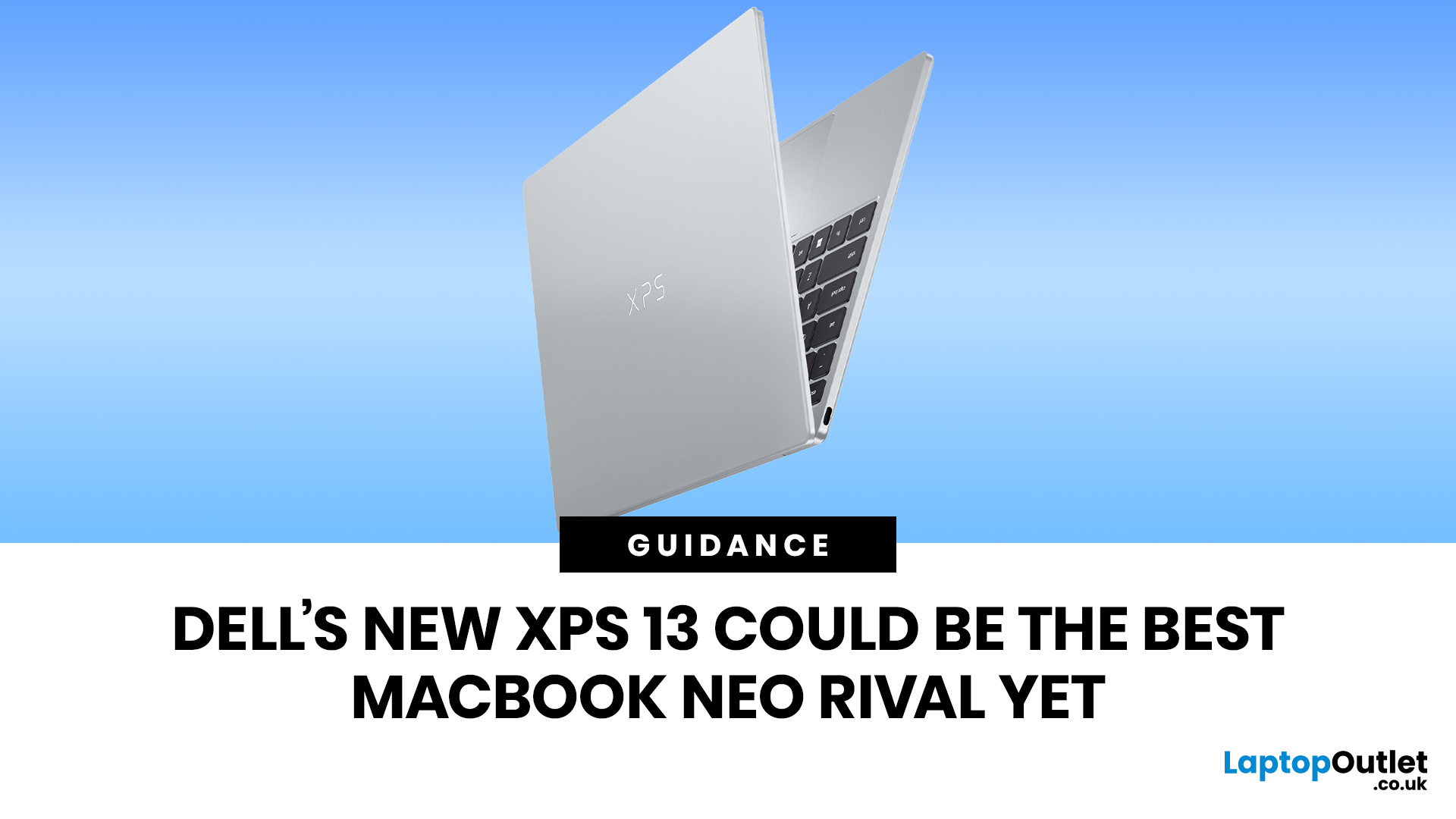
Credit: www.laptopoutlet.co.uk
Student And Professional Use
Both laptops are popular with students and professionals.
Students
- Macbook Neo: Good for note-taking, creative work, and battery life on campus.
- XPS 13: Great for multitasking, running Windows apps, and presentations.
Professionals
- Neo: Reliable for office tasks, design work, and secure email.
- XPS 13: Flexible for business, programming, and connecting to projectors.
Tip: If your school or job uses specific software, check compatibility before buying.
Support And Warranty
Support matters if something goes wrong.
Apple Macbook Neo
- 1-year warranty
- AppleCare+ available (extra cost)
- Fast repairs at Apple Stores
- Online and phone support
Dell Xps 13
- 1-year warranty
- Premium support (extra cost)
- Repairs at Dell centers
- Online and phone support
Apple’s support is famous for quick, easy fixes. Dell’s support is improving, but depends on location.

Credit: uk.pcmag.com
Environmental Impact
People care more about the planet. Both laptops use eco-friendly materials.
- Macbook Neo: Recycled aluminum, low power chip, minimal packaging.
- XPS 13: Recycled plastics, energy-efficient screen, green packaging.
If environmental impact matters to you, Apple leads with more recycled materials.
Where To Buy And Best Deals
In 2026, buying online is safest. Prices change often, so watch for deals.
- Macbook Neo: Apple Store, Best Buy, Amazon
- XPS 13: Dell.com, Amazon, Walmart
Look for student discounts, bundles, and certified refurbished options. Sometimes, last year’s model is almost as good but much cheaper.
For official specs and latest offers, check Apple’s official page.
Frequently Asked Questions
Is The Macbook Neo Really Fanless?
Yes, the Neo uses Apple’s M4 chip, which stays cool without a fan. This makes the laptop silent and less likely to break over time.
Can I Upgrade Ram Or Storage On These Laptops?
You can upgrade RAM and SSD on some Dell XPS 13 models, but not on the Macbook Neo. With Apple, you must choose your specs when buying.
Which Laptop Is Better For Gaming?
The Dell XPS 13 is better for gaming. Windows supports more games, and the Core Ultra chip can handle light gaming. The Macbook Neo is not built for serious games.
Which Laptop Lasts Longer On Battery?
The Macbook Neo has longer battery life—about 14 hours compared to the XPS 13’s 12 hours. This matters for travel or school days.
Are These Laptops Good For Video Editing?
Both can handle basic video editing. The Neo is smoother with MacOS apps like iMovie and Final Cut. The XPS 13 works well with Adobe Premiere and other Windows tools.
—
Choosing between the Apple Macbook Neo and Dell XPS 13 in 2026 is not easy. Both are fast, stylish, and packed with features. The Neo wins for battery, design, and MacOS integration, while the XPS 13 gives more ports, upgrade options, and better price. Think about your real needs, check the specs, and avoid common mistakes. The best laptop is the one that fits your life, not just the label. With this guide, you’re ready to pick the laptop that will help you work, play, and create for years to come.
Honor Robot Phone Review: Unveiling the 3-Axis Gimbal Arm Revolution